

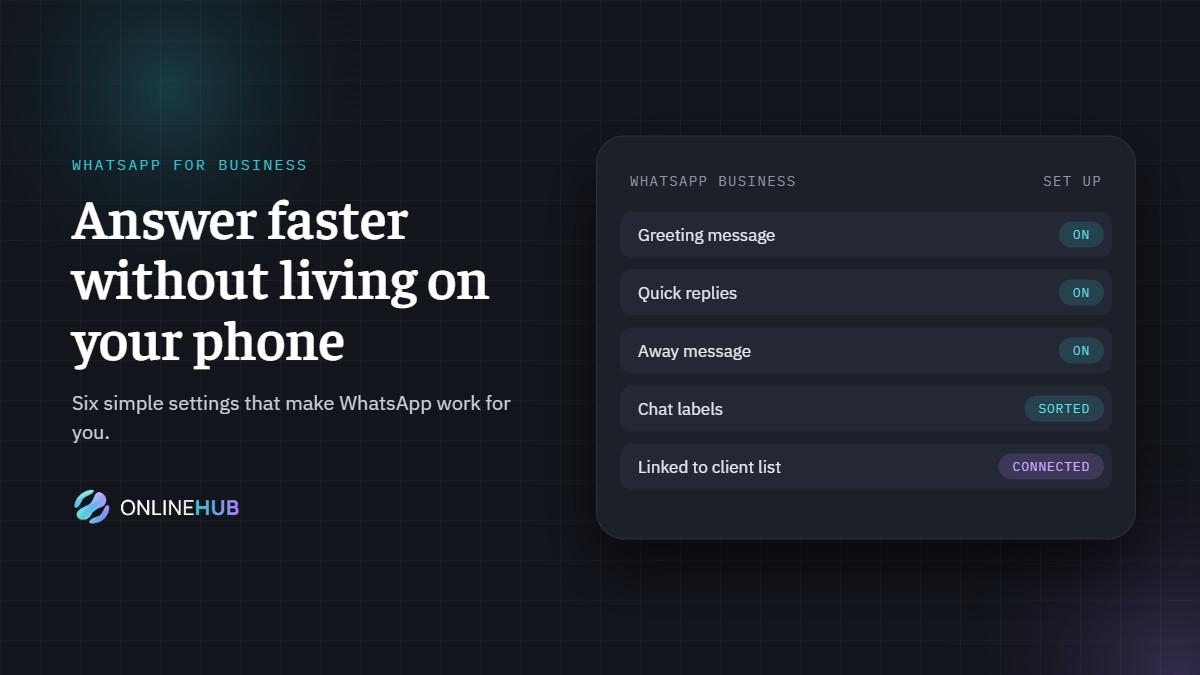
WhatsApp for business: answer faster without living on your phone
For most South African customers, WhatsApp is the easiest way to reach a business. It’s quick, it’s personal, and it’s already on their phone. The problem is that it’s also on your phone, and it never stops.
The answer isn’t to switch it off. It’s to set it up properly, so it works for you instead of the other way around.
1. Move to WhatsApp Business
If you’re still using a personal WhatsApp number for work, start here. The free WhatsApp Business app gives you a business profile with your hours, address and website, plus the tools below. It also keeps work chats separate from family ones.
2. Set up an instant greeting
A friendly automatic message the moment someone gets in touch: who you are, when they can expect a reply and a link to the most useful information. The customer feels looked after straight away, and you buy yourself time.
3. Use quick replies for the questions you answer every day
Directions, opening hours, what to bring, how to pay. Save each answer once and send it with a shortcut. Same answer, every time, in a few seconds.
4. Add an away message for after hours
It’s fine not to answer at 10pm. It isn’t fine to leave someone wondering if you got their message. An away message sets the expectation and keeps the conversation warm until morning.
5. Sort chats with labels
New enquiry, quote sent, booked, follow up. Labels turn a long list of chats into a simple pipeline, so nobody slips through the cracks.
6. Connect it to the rest of your business
This is where the real time saving is. When WhatsApp is linked to your website and client list, a new chat can create a client record automatically, a booking can send its own confirmation, and your team can share one inbox instead of passing a phone around.
What this is not about
It’s not about replacing the personal touch. It’s about taking the repetitive part off your plate, so the conversations that matter get your full attention.
Want WhatsApp working properly for your business?
We set up WhatsApp so it fits the way you already work, and connect it to your website and the tools you use every day.